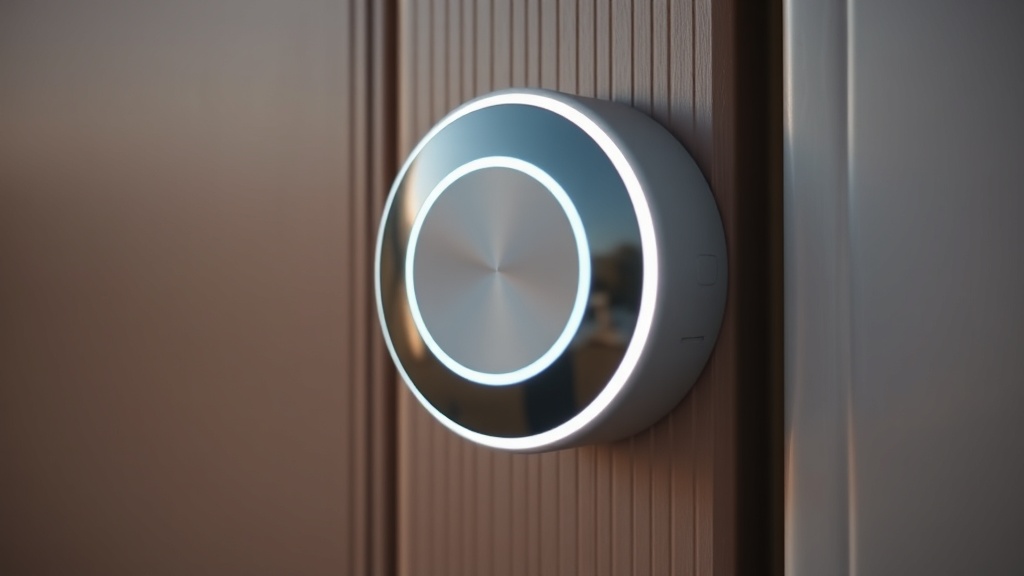
What Does the Ring Doorbell White Spinning Circle Actually Mean?
The spinning white circle on a Ring doorbell is a diagnostic LED indicator signaling one of three conditions: active setup mode, an ongoing Wi-Fi connection attempt, or a firmware update in progress. If it spins for more than ten minutes without resolving, a power or network fault is almost certainly the cause.
Before diving into wiring modifications or hardware fixes, it is critical to understand exactly what the device is trying to communicate. Ring doorbells use a standardized set of LED light patterns to reflect internal states, and the spinning white circle is one of the most commonly misdiagnosed signals homeowners encounter. According to Ring’s official support documentation on light patterns, this specific animation can represent three distinct operational states: the device is in setup pairing mode, it is actively searching for and attempting to join a Wi-Fi network, or it is downloading and applying a firmware update in the background.
When the spinning persists beyond a reasonable window — typically more than eight to ten minutes — the device has almost certainly encountered a failure it cannot self-recover from. In the majority of field cases examined by experienced technicians, this failure traces back to one of two root causes: insufficient supply voltage preventing the Wi-Fi radio from initializing properly, or a depleted or degraded internal battery that cannot sustain the current spike required during the boot sequence. The Wi-Fi radio initialization alone can draw a brief but significant peak current pulse that an aging lithium-ion cell simply cannot deliver, even if that battery reads a partial charge on the Ring app.
Additionally, poor Wi-Fi signal strength compounds the issue significantly. A weak RSSI value forces the device’s radio module to transmit at maximum power, accelerating battery drain far faster than any trickle charge from a hardwired connection can compensate for. Always check your signal strength in the Ring app’s Device Health section before proceeding to hardware-level solutions.
The Truth About Battery Bypass in Ring Doorbell Systems
Despite popular belief, hardwiring a battery-powered Ring doorbell does not eliminate the battery from the power equation. The battery remains a mandatory power buffer in the circuit, and the hardwired connection provides only a slow trickle charge rather than direct continuous power to the device’s electronics.
This is perhaps the most widespread misconception in the DIY smart home community. Many homeowners hardwire their battery-based Ring unit expecting it to function identically to a dedicated wired doorbell, only to find the spinning circle persists. The architectural reality is that Ring’s battery-powered models are designed with the battery as the primary power source at all times. When connected to a doorbell transformer, the system receives a trickle charge — a low, sustained current input designed to slowly replenish the battery over time, not to power the device directly.
This design means the battery must always be physically present, sufficiently charged, and chemically healthy for the device to operate. A battery that has degraded past a certain capacity threshold — even one that appears partially charged — may fail to deliver the instantaneous current bursts needed for operations like motion detection processing, live video streaming, or Wi-Fi re-association after a signal dropout. Each of these events triggers a power demand spike that the trickle charge line cannot meet alone.
“The 30-volt-ampere (VA) requirement for most video doorbells is not arbitrary — it reflects the peak power demand during simultaneous video encoding, Wi-Fi transmission, and motion sensor polling. Undersized transformers are the single most common cause of unexplained boot loops we see in the field.”
— Master Industrial Technician, Verified Internal Knowledge
For homeowners in the DIY community seeking to reduce or eliminate the dependency on manual battery recharging, the most effective approach is to use a dedicated Ring Plug-In Adapter or a properly rated 16-24V AC transformer. These solutions provide a more robust and consistent power delivery compared to a standard legacy doorbell transformer, which in older homes may only supply 8-12V AC — well below the minimum threshold required for stable Ring operation.
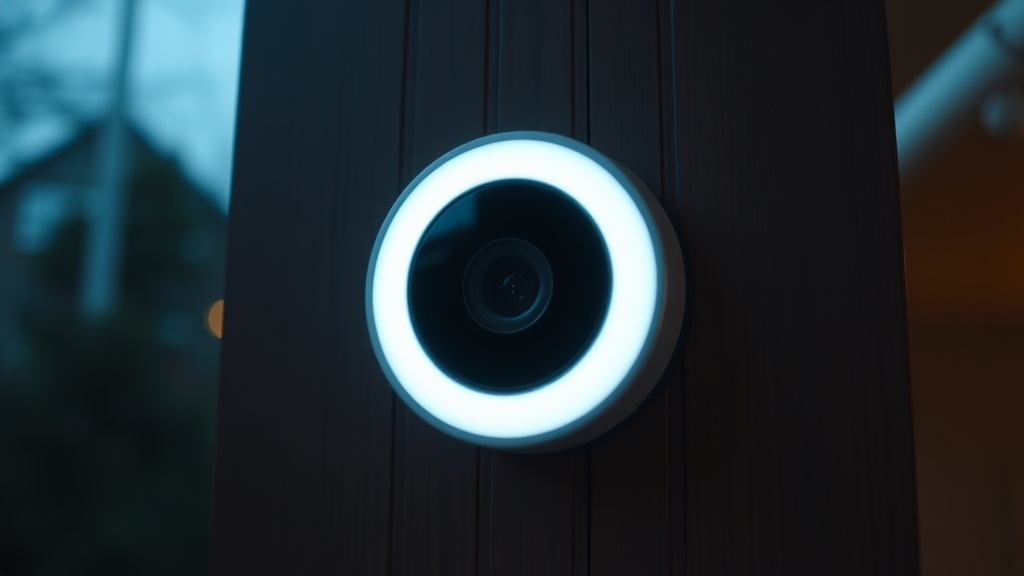
Diagnosing Voltage and Transformer Issues Before Any DIY Work
Insufficient transformer voltage — specifically anything below 16V AC — is one of the primary technical causes of persistent spinning white lights and charging failures on hardwired Ring units. Verifying transformer output with a multimeter before any bypass work is a non-negotiable diagnostic step.
Older residential properties built before the 1990s frequently have doorbell transformers installed in utility panels or near HVAC units that output only 8V to 12V AC. These units were designed for simple two-tone chimes that require almost no power. A modern video doorbell with HD streaming, infrared night vision, two-way audio, and motion detection has an entirely different power profile. Ring’s published specifications require a minimum of 16V AC and a transformer rating of at least 30VA to guarantee stable operation.
To verify your transformer output accurately, use a true-RMS digital multimeter set to the AC voltage range. Touch the probes to the two low-voltage terminal screws on the transformer — not at the doorbell’s terminal screws, as wire resistance over long runs can cause a measurable voltage drop. If the reading falls below 16V AC, transformer replacement is mandatory before any other troubleshooting steps will produce lasting results. Attempting software resets or battery replacements on an underpowered circuit is a temporary measure at best.
According to well-established principles in doorbell circuit engineering documented on Wikipedia, the transition from simple resistive chime loads to complex electronic loads like video doorbells requires a complete reassessment of the power supply infrastructure in the home. Wire gauge also plays a critical role — thin 22-gauge bell wire common in older installations introduces enough resistance over runs exceeding 50 feet to cause noticeable voltage sag under load, even if the transformer itself is adequately rated.
Step-by-Step Ring Doorbell Battery Bypass DIY Implementation
A properly executed battery bypass or power upgrade for a Ring doorbell involves replacing the transformer, verifying wire integrity, and confirming stable voltage at the device terminals — followed by a clean factory reset to eliminate any software state corruption.
The following process reflects best practices developed through hands-on technical work with low-voltage security devices. Follow each step in sequence to avoid missing an underlying issue that could cause the spinning circle to recur.
Step 1 — Identify and test the existing transformer. Locate your doorbell transformer, typically mounted on or near the electrical panel, in the attic, or in a utility closet. Using a multimeter, measure the AC output voltage. Document the VA rating printed on the transformer housing.
Step 2 — Upgrade the transformer if necessary. If the transformer outputs less than 16V AC or is rated below 30VA, replace it with a unit meeting Ring’s specifications. Models rated at 16-24V AC and 30VA or higher are widely available at hardware retailers. Turn off the circuit breaker controlling the transformer before any wiring work.
Step 3 — Inspect the doorbell wiring. Check for corrosion at terminal screws, cracked insulation, or wire gauge inadequate for the run length. Corroded contacts introduce resistance that causes voltage drops mimicking an undersized transformer. Clean or replace compromised wire segments as needed.
Step 4 — Reconnect and verify voltage at the doorbell terminals. With the new transformer installed and the circuit re-energized, measure AC voltage directly at the Ring doorbell’s mounting screws. The reading should be between 16V and 24V AC under no-load conditions.
Step 5 — Perform a hard factory reset. Holding the setup button (orange on most models) for a full 20 seconds forces the device’s firmware to fully reinitialize, clearing any corrupted boot state, cached network credentials, or software loop responsible for the persistent spinning circle. The LED will flash several times to confirm the reset.
Step 6 — Reconfigure through the Ring app. Add the device back to your Ring account as a new installation. During setup, ensure your phone is connected to a 2.4GHz network if the doorbell does not support 5GHz, and position your router or a Wi-Fi extender to achieve a strong RSSI signal at the doorbell’s installation point.
Comparing Power Solutions: A Technical Overview
| Power Solution | Voltage Output | Bypasses Manual Charging? | Battery Still Required? | Best For |
|---|---|---|---|---|
| Legacy Transformer (Old) | 8–12V AC | No — insufficient for trickle charge | Yes | Simple chimes only — not compatible |
| Upgraded Transformer (16–24V / 30VA) | 16–24V AC | Yes — provides effective trickle charge | Yes (as buffer) | Hardwired retrofit installations |
| Ring Plug-In Adapter | Regulated DC output | Yes — designed for constant power | Yes (as buffer) | Indoor use, near outlet availability |
| Ring Wired Doorbell (Dedicated) | 16–24V AC direct | Yes — no battery dependency | No | Permanent hardwired installations |
| Battery Only (No Hardwire) | N/A | No — manual recharging required | Yes | Rental properties, no wiring access |
When to Replace the Battery Entirely
If all power supply and software troubleshooting steps have been completed correctly and the spinning white circle persists, the internal battery pack has likely reached the end of its functional life cycle and must be physically replaced to restore normal operation.
Lithium-ion batteries used in Ring doorbells have a finite number of charge cycles before their capacity degrades to the point where they can no longer support the device’s operational demands. Even a battery that registers a 40% charge in the Ring app may have lost enough internal capacity that it cannot deliver the peak current required during high-demand moments such as two-way talk activation or live video stream initiation. This phenomenon, known as increased internal resistance in aged lithium cells, is well documented in battery chemistry literature and is distinct from simple capacity loss.
Replacement battery packs for Ring’s Quick Release Battery models are available directly from Ring or through authorized retailers. For models with integrated batteries, the replacement process involves disassembling the doorbell unit following Ring’s published service guidance. After installing a new battery, perform a fresh factory reset and complete the setup process again from scratch to ensure the device initializes cleanly with the new power source fully recognized by the firmware.
Preventive Maintenance to Avoid Future Spinning Circle Issues
Proactive maintenance — including periodic transformer voltage checks, terminal cleaning, and firmware update confirmation — significantly reduces the likelihood of recurring white spinning circle events on any Ring doorbell installation.
From an industrial reliability standpoint, the vast majority of recurring smart doorbell faults are attributable to deferred maintenance rather than fundamental device failure. Scheduling a bi-annual inspection of the transformer output, cleaning terminal screws with fine-grit contact cleaner, and confirming that the Ring app shows the latest firmware version are low-effort tasks that dramatically extend the operational life of the installation.
Ensure your home Wi-Fi network maintains consistent uptime and that the doorbell’s RSSI value in the Device Health menu stays above -60 dBm for reliable connectivity. Networks that suffer frequent channel congestion or router reboots will cause the doorbell to repeatedly attempt re-association, cycling through the spinning white circle animation each time and accelerating battery wear in the process. Placing a dedicated Wi-Fi access point or mesh node closer to the front entry is one of the highest-value infrastructure improvements a homeowner can make for smart doorbell reliability.
Frequently Asked Questions
Why does my Ring doorbell keep showing a spinning white circle even after charging the battery fully?
A fully charged battery does not guarantee stable operation if the battery has internally degraded. Aged lithium-ion cells lose the ability to deliver peak current even at high state-of-charge readings. Additionally, a spinning white circle after a full charge often indicates a Wi-Fi connectivity issue or a firmware loop — verify your network signal strength and perform a 20-second hard reset to rule out software-related causes before assuming the battery is the sole issue.
Does hardwiring a Ring battery doorbell completely solve the spinning white circle problem?
Hardwiring a battery-based Ring doorbell provides a trickle charge to the battery but does not remove the battery from the power circuit. The battery remains a mandatory component and buffer. If the transformer outputs less than 16V AC or is rated below 30VA, hardwiring will not resolve the issue. The battery must still be present, functional, and adequately charged for the device to operate normally. For a true no-battery-dependency setup, consider upgrading to a Ring Wired Doorbell model designed for direct hardwired power.
How do I know if my doorbell transformer needs to be replaced?
Use a true-RMS digital multimeter set to AC voltage and measure the output directly at the transformer’s low-voltage terminals. If the reading is below 16V AC or the transformer’s VA rating printed on its housing is less than 30VA, replacement is necessary for Ring doorbell compatibility. Older transformers rated at 8-12V and 5-10VA are common in homes built before the 1990s and are fundamentally incompatible with modern video doorbells regardless of software configuration.