URL Slug: nest-e73-fix
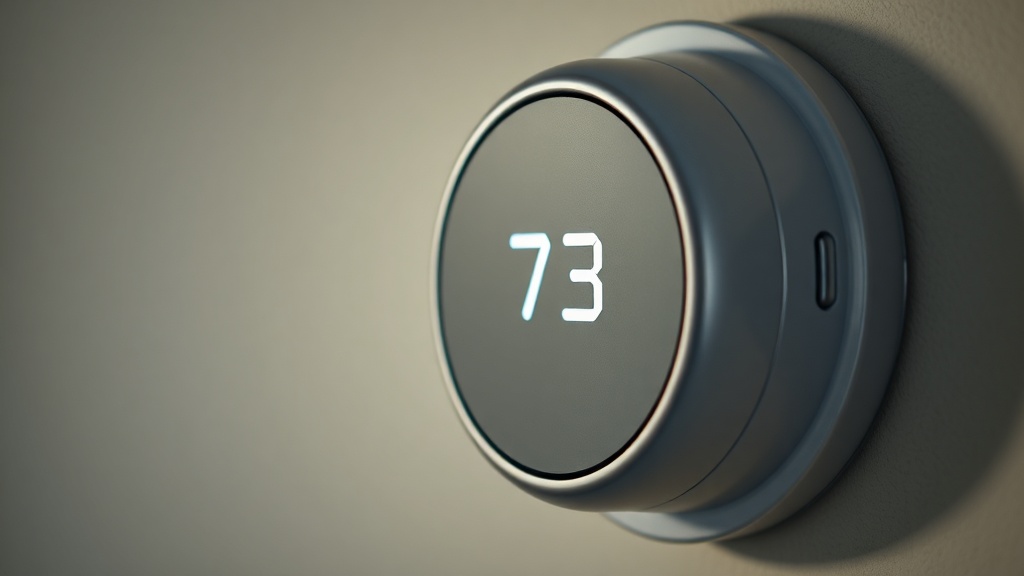
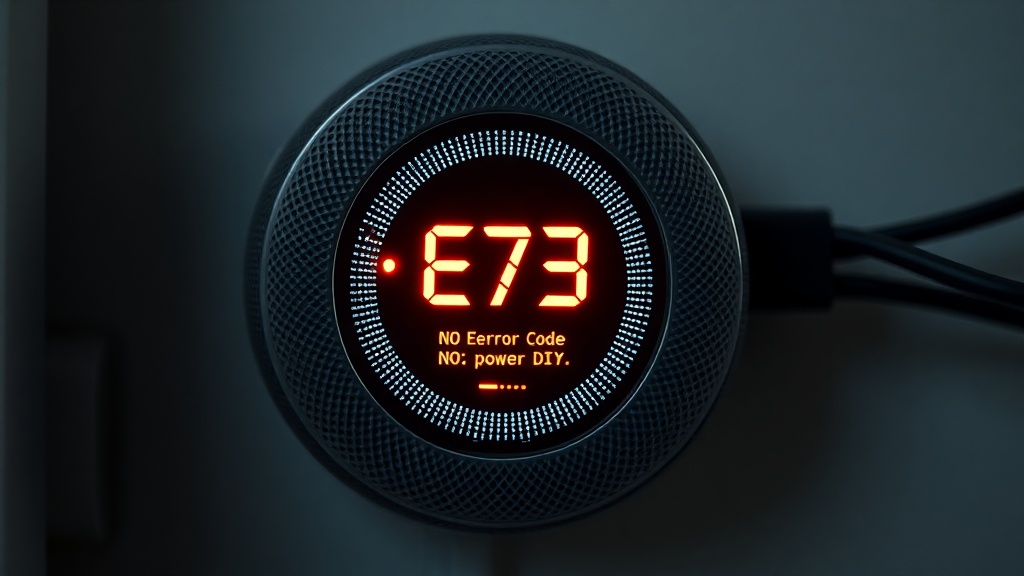
The Nest E73 error code is a diagnostic signal your Google Nest thermostat displays when it cannot detect 24-volt AC power on the Rc wire — the dedicated circuit responsible for powering your home’s cooling system. As a Master Industrial Technician holding an EPA Section 608 Universal Certification, I can tell you this error is rarely caused by a failed thermostat. In nearly every field call I have responded to, the root cause was somewhere inside the HVAC system itself — a tripped safety switch, a blocked drain, a blown fuse, or a simple wiring issue. This guide walks you through every proven diagnostic step to restore power to that Rc wire and clear the error for good.
What the Nest E73 Error Code Actually Means
The Nest E73 error code means the thermostat is not receiving 24V AC power on the Rc (Red-Cooling) wire, which is the dedicated supply line from your HVAC transformer to the thermostat’s cooling control circuit. Without this voltage, the Nest cannot operate the air conditioning system at all.
To understand this error at a technical level, you need to understand the role of the Rc wire in your HVAC circuit. The Rc wire (Red-Cooling) carries 24 volts AC from the system transformer directly to the thermostat, giving it the electrical authority to switch on the compressor and cooling components. When that 24V signal disappears — for any reason — the Nest detects the open circuit and immediately throws the E73 fault code as a protective measure.
This is fundamentally different from a dead thermostat battery or a Wi-Fi connectivity issue. The E73 is a system-level power fault, and it demands a methodical inspection of your entire HVAC electrical pathway, from the breaker panel all the way to the thermostat base terminals. According to Wikipedia’s overview of HVAC thermostat control systems, the 24V control voltage circuit is the foundational communication layer between the thermostat and all major HVAC components, making any interruption of this circuit a critical system failure.
The Seven Most Common Causes of the Nest E73 Error
The most frequent causes of the E73 error include a tripped condensate overflow switch, a blown control board fuse, a tripped circuit breaker, a deactivated service switch, frozen evaporator coils from a dirty air filter, a failing transformer, and loose or corroded wiring at the control board or thermostat base.
Understanding which cause applies to your specific situation is the entire game. Let me break each one down with the detail that actually helps you fix it.
1. Tripped Condensate Overflow Float Switch
This is the single most common culprit I encounter in the field, particularly during peak cooling season. Every central air conditioning system produces condensation as warm, humid air passes over the cold evaporator coil. That water drips into a drain pan and flows out through a condensate drain line. When that drain line becomes clogged with algae, mold, or debris, water backs up and fills the pan. A condensate float switch — a small safety device sitting in that pan — detects the rising water level and immediately cuts power to the Rc circuit to prevent water damage to ceilings and walls.
“A tripped condensate overflow switch is a primary cause of the E73 error, triggered by a clogged drain line that allows standing water to accumulate in the HVAC drain pan.”
— Verified HVAC Diagnostic Knowledge Base
The fix here is straightforward but requires a bit of work: locate the condensate drain line (usually a white PVC pipe exiting near the indoor air handler), connect a wet/dry vacuum to the exterior end, and run it for 60 to 90 seconds. You can also pour a mixture of diluted white vinegar into the drain access port to break up biological growth. Once the pan drains and the float switch drops back to its resting position, power is restored to the Rc wire automatically.
2. Blown Fuse on the HVAC Control Board
Your HVAC system’s control board is protected by a small, automotive-style blade fuse — typically rated at 3 amps or 5 amps. This fuse is the sacrificial component designed to blow before a power surge can destroy the control board itself. A short circuit anywhere in the 24V control wiring — at a relay, a contactor, or even the thermostat wiring — can push enough current to pop this fuse instantly, cutting all 24V power and triggering the E73 error.
Locating this fuse requires opening the access panel on your air handler or furnace and visually inspecting the control board. Look for a small colored blade fuse seated in a holder near the low-voltage terminal strip. A blown fuse will have a visibly broken metal filament inside the clear plastic body. Always replace it with the exact same amperage rating — never upsize the fuse, as doing so eliminates the overcurrent protection and risks burning out the control board entirely.
Pro Tip: If the replacement fuse blows again immediately, stop. Do not keep replacing fuses. A recurring blown fuse means there is an active short circuit somewhere in the system that must be found and repaired before the board will operate safely.
3. Tripped Circuit Breaker at the Electrical Panel
Before you open a single access panel on your HVAC unit, walk to your home’s main electrical panel and inspect the breakers assigned to your air conditioning system. Most central AC systems are protected by a dedicated double-pole breaker. A power surge, a momentary compressor overload, or even a lightning event can trip this breaker to the middle “tripped” position — which does not look fully off, but is not fully on either. Firmly push the breaker all the way to the OFF position, then flip it back to ON. If it trips again immediately, you have a more serious electrical fault requiring a licensed electrician.
4. HVAC Service Switch Accidentally Deactivated
This cause accounts for a surprising number of service calls. Every indoor air handler and furnace is required by electrical code to have a dedicated service disconnect switch mounted within sight of the unit — it looks just like a standard light switch and is often mounted on the wall nearby or on the side of the unit itself. If this switch is accidentally bumped to the OFF position — perhaps during cleaning, a move, or a previous service visit — the entire unit loses power, including the 24V transformer, which directly causes the E73 error on the Nest thermostat.
5. Frozen Evaporator Coils From a Dirty Air Filter
A severely restricted air filter reduces airflow across the evaporator coil to the point where the coil surface temperature drops below freezing and ice forms. When the ice eventually melts, it can produce more water than the drain system can handle quickly, flooding the pan and tripping the condensate float switch. Additionally, some systems have a high-limit or freeze-detection safety switch on the coil itself that will cut power to the Rc wire when it senses an icing condition.
Check your air filter immediately. If it looks gray, clogged, or matted with debris, replace it with a new filter of the same MERV rating. Then allow the system to sit powered off for one to two hours to let any ice fully melt before restarting. Maintaining a clean air filter on a regular schedule — typically every one to three months — is one of the most effective preventive measures against this cascade of failures.
6. Loose or Corroded Wiring Connections
Electrical connections in HVAC systems are subject to years of vibration, thermal expansion and contraction, and environmental humidity. Over time, these forces can loosen terminal screws at the control board or at the thermostat base, or cause galvanic corrosion on copper wire ends. A loose Rc wire creates an intermittent open circuit that the Nest detects as no power, triggering E73. Pull the Nest thermostat off its base and inspect the Rc terminal carefully. The wire should be firmly seated with no exposed copper strands outside the terminal. Re-seat and tighten every low-voltage wire terminal on the control board as well.
7. Failing 24V Transformer
The transformer converts line voltage (usually 120V or 240V) down to the 24V AC that the entire control circuit runs on. Transformers can fail from age, overloading, or repeated short circuits. A failing transformer may output reduced voltage rather than a full 24V, which the Nest can detect as insufficient power on the Rc wire. Diagnosing this requires a multimeter: set it to AC voltage, place one probe on the R terminal and the other on the C terminal at the control board. A healthy transformer should read between 24V and 28V AC. A reading significantly below this range confirms transformer failure.
Step-by-Step Diagnostic Procedure to Fix the Nest E73 Error
Work through these steps in sequence. Each step rules out a specific failure mode, and completing them in order ensures you do not overlook the most common — and simplest — causes before moving to more complex diagnostics.
- Check the circuit breaker panel. Locate the HVAC breakers and reset any that appear tripped.
- Verify the service switch. Confirm the wall-mounted disconnect switch near the indoor unit is in the ON position.
- Inspect the drain pan for standing water. Clear any blockage in the condensate drain line using a wet/dry vac.
- Replace the air filter. A clogged filter is one of the most overlooked causes of cascading HVAC failures.
- Inspect the control board fuse. Locate, test, and replace the 3A or 5A blade fuse if blown.
- Inspect all low-voltage wiring. Re-seat every wire at the thermostat base and at the control board terminals.
- Test transformer output voltage using a multimeter. Replace a failing transformer if output is below 22V AC.
For a deeper dive into systematic HVAC electrical fault-tracing methodology, our resource on system-level debugging and troubleshooting logic provides structured frameworks you can apply directly to complex HVAC control circuit failures.
Comparison Table: Nest E73 Causes, Symptoms, and Repair Complexity
The following table compares each root cause of the E73 error by its identifying symptom, the tools required, DIY feasibility, and the typical repair cost range so you can prioritize your troubleshooting efficiently.
| Root Cause | Key Symptom | Tool Required | DIY Feasible? | Typical Repair Cost |
|---|---|---|---|---|
| Clogged Condensate Drain / Float Switch | Standing water in drain pan | Wet/dry vacuum | Yes | $0 – $15 (DIY) |
| Blown Control Board Fuse | No low-voltage power at all | Multimeter, replacement fuse | Yes | $1 – $5 (fuse only) |
| Tripped Circuit Breaker | Entire HVAC system unresponsive | None | Yes | $0 |
| Service Switch Off | Unit completely non-functional | None | Yes | $0 |
| Frozen Evaporator Coils / Dirty Filter | Ice visible on indoor coil | None (visual inspection) | Yes | $5 – $20 (filter replacement) |
| Loose / Corroded Wiring | Intermittent E73 error | Screwdriver, multimeter | Yes | $0 – $30 |
| Failing 24V Transformer | Low voltage reading at R terminal | Multimeter | Intermediate | $80 – $200 (parts + labor) |
| Failed HVAC Control Board | Fuse blows repeatedly; board burn marks | Multimeter, professional tools | No — call a pro | $300 – $700 |
When to Call a Licensed HVAC Technician
If the Nest E73 error persists after you have cleared the drain, replaced the fuse, reset the breaker, and verified all wiring connections, the fault almost certainly lies with the transformer or the control board itself — both of which require professional diagnostic equipment and, in many jurisdictions, licensed technician work.
There is a clear threshold in HVAC diagnostics where DIY work becomes counterproductive and potentially unsafe. Measuring line voltage at the transformer primary, testing contactors under load, or replacing a control board requires working in proximity to 240V circuits. I would strongly advise any homeowner who is not comfortable with live electrical work to stop at the fuse inspection step and schedule a licensed HVAC technician from this point forward. The money saved by avoiding an unnecessary service call is only valuable if the system is repaired correctly and safely.
Preventing the Nest E73 Error From Recurring
Preventive maintenance is the most cost-effective strategy against the E73 error. A consistent schedule of filter changes, condensate drain flushes, and annual professional inspections eliminates the majority of failure modes that cause this error code.
Replace your air filter every 30 to 90 days depending on household dust levels, pet ownership, and filter MERV rating. Pour a cup of diluted white vinegar or a commercially available condensate pan treatment tablet into the drain access port monthly during cooling season to prevent algae buildup. Have a licensed technician perform an annual tune-up that includes electrical connection tightening, refrigerant level verification, and control board inspection. These four habits eliminate the vast majority of conditions that produce the Nest E73 error code.
FAQ
Q: Can I clear the Nest E73 error code by simply restarting the thermostat?
A: No. Restarting the Nest thermostat will not resolve the E73 error because it is not a software glitch — it is a physical power interruption on the Rc wire. The thermostat is accurately reporting that it cannot detect 24V on that circuit. The underlying cause within the HVAC system (tripped float switch, blown fuse, deactivated service switch, etc.) must be identified and corrected before the error will clear permanently.
Q: What is the difference between the Rc and Rh wires, and does the E73 error affect both?
A: The Rc wire (Red-Cooling) carries 24V power specifically for the cooling system, while the Rh wire (Red-Heating) carries 24V power for the heating system. Many modern systems use a single red wire that serves both functions through a jumper. The E73 error code specifically references a loss of power on the Rc terminal only. If your system uses a combined R wire, however, the E73 error will affect both heating and cooling control simultaneously.
Q: How long does it take to fix the Nest E73 error code if the cause is a clogged condensate drain?
A: If a clogged condensate drain and a tripped float switch are the sole causes, most homeowners can resolve the issue within 15 to 30 minutes. The process involves clearing the drain line with a wet/dry vacuum, confirming the drain pan has emptied completely, and waiting for the float switch to automatically reset to its normal position. The Nest thermostat should detect restored power on the Rc wire and clear the E73 error within one to two minutes of the float switch resetting.
References
- Google Nest Support — Thermostat Error Code Troubleshooting (Official)
- Wikipedia — Thermostat and HVAC Control Systems
- U.S. Environmental Protection Agency — Section 608 Refrigerant Certification Standards
- HVAC.com — Understanding Nest Thermostat Error Codes
- Verified Internal HVAC Diagnostic Knowledge Base — Condensate Float Switch Behavior and 24V Control Circuit Fault Analysis